A dirty keyboard deserves attention, but cleaning cannot make every sticking key reliable again. Separate visible residue from mechanical behaviour and find the care instructions for the particular model.
Prepare without unnecessary disassembly
Switch the product off and disconnect its intended power source. For wireless keyboards, follow the instructions for switching off or removing batteries. Photograph unclear damage before starting care. Prepare a suitable cloth and a clear working surface. Remove keycaps only when the manufacturer intends users to do so. Improvised levering can damage low-profile laptop mechanisms in particular. A photograph of a similar keyboard is not a disassembly guide. First establish whether dirt lies above the keys or a particular key behaves differently. This observation helps distinguish routine care from a possible mechanical or functional fault.
Choose an appropriate method
For surfaces, follow the manufacturer’s material guidance. Use a clean suitable cloth and keep liquid out of gaps. Do not spray cleaning products directly onto the keyboard. Compressed air is not a universal recommendation either: Apple describes a particular method for certain MacBook keyboards. That does not mean every keyboard should be blown out at arbitrary pressure. Read model-specific guidance and the instructions for any cleaning aid. Avoid heat, aggressive solvents and tools inserted into delicate mechanisms. If permitted treatment does not remove a residue, do not automatically choose a stronger chemical. Ask which alternative is suitable for the surface.
Check the result deliberately
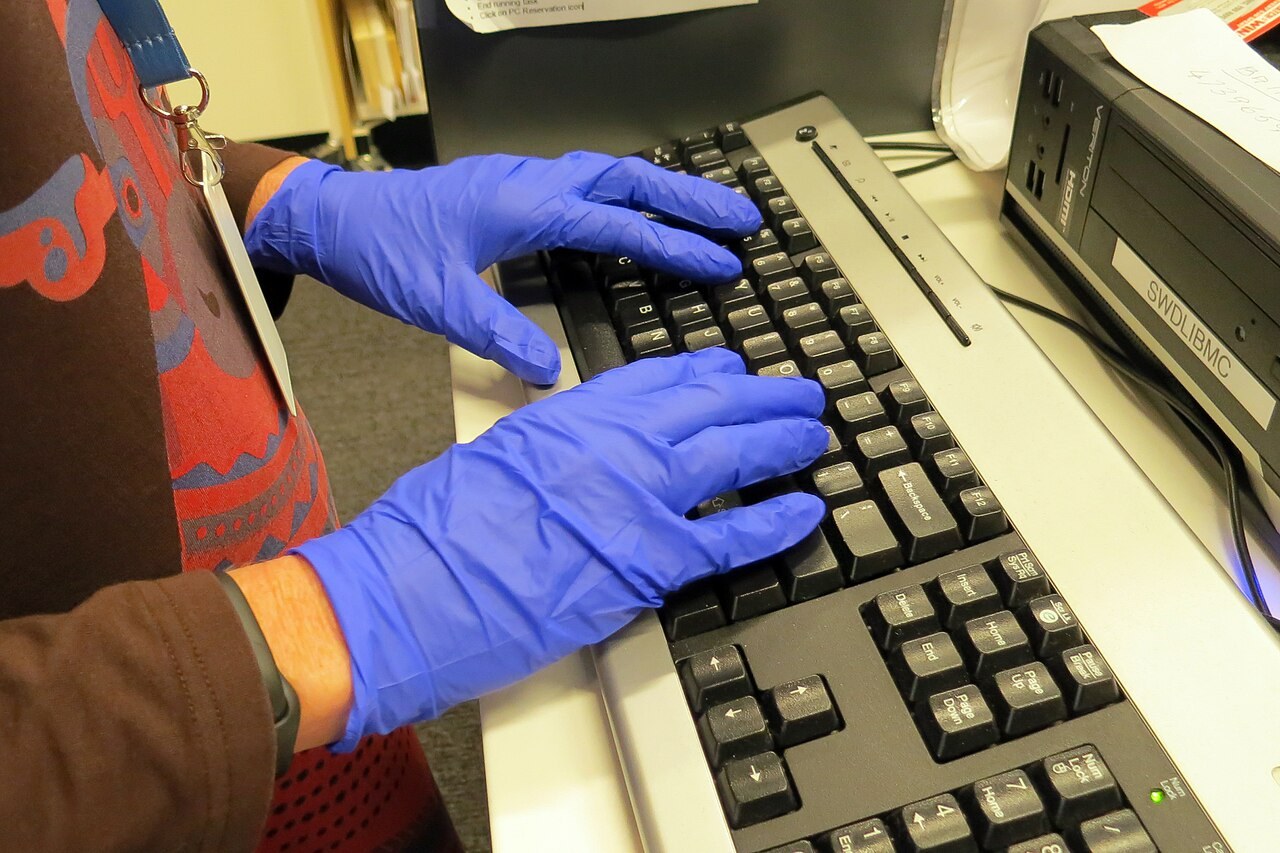
Wait until relevant surfaces are dry and reconnect only afterwards. Use an ordinary text entry task to check previously troublesome keys and important combinations. A keyboard that looks clean is not automatically fault-free. Note repeated characters, missed inputs or a different key feel. A problem remaining after basic cleaning requires a different response from loose crumbs. Record what happens and contact the seller or service provider where necessary. Do not keep increasing cleaning intensity in an attempt to solve a mechanical issue. For everyday care, a clean work area and separate storage for the cloth prevent dusty tools from contaminating it again.
Common questions
Can I pull keys off to clean underneath?
Only when the intended procedure for your model is known. Mechanisms and attachments differ, and forceful removal can create additional damage.
What if the same fault remains afterwards?
Its cause remains unresolved. A sticking or unresponsive key is not automatically a dirt problem and may need assessment after appropriate routine care has failed.