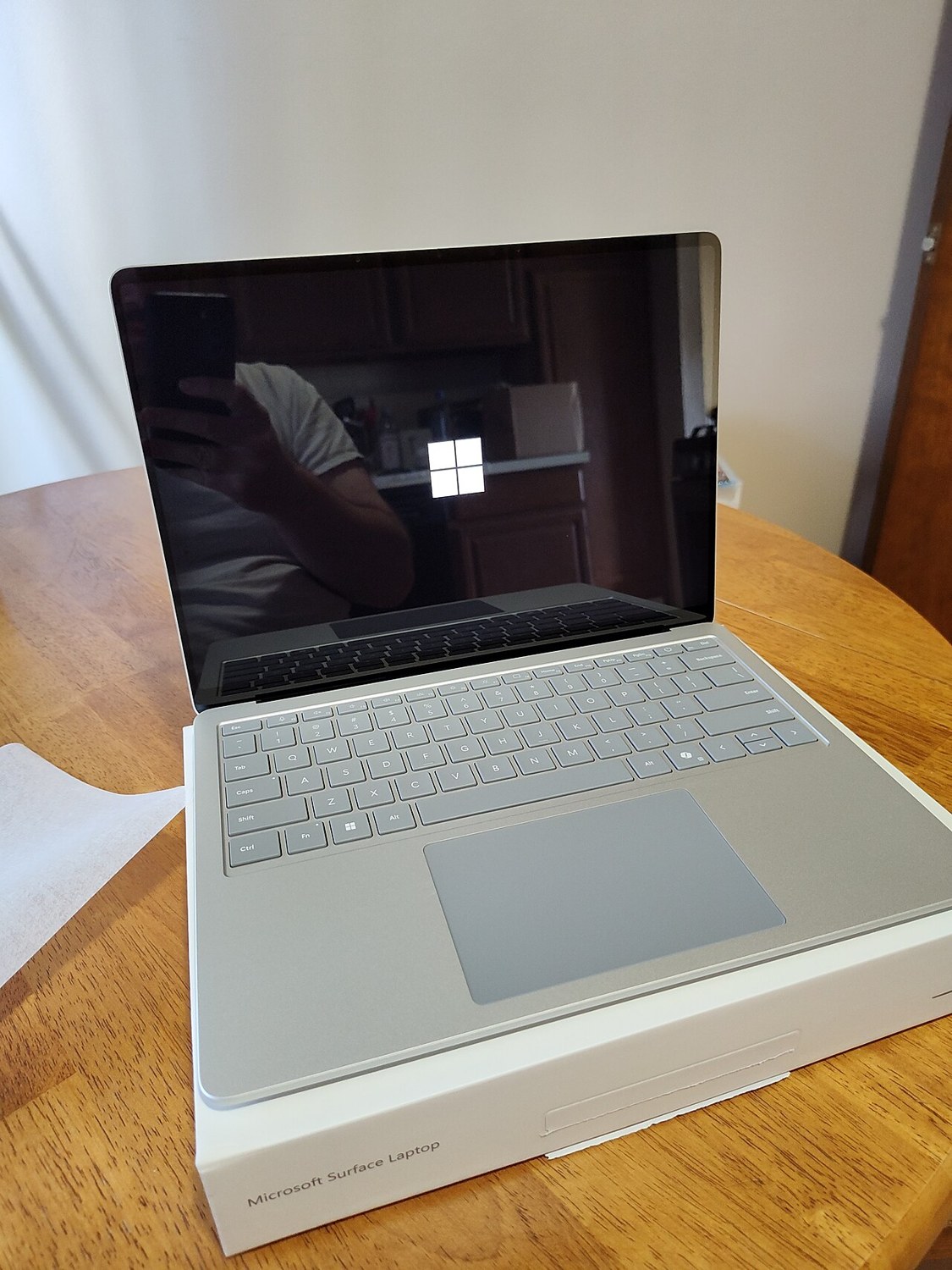
A laptop battery may still charge while storing too little energy for your mobile work. Check more than whether the charging percentage rises. Available condition information, behaviour away from the charger and the tasks you need to finish between sockets are all relevant to the purchasing decision.
Read the available figures correctly
Use the manufacturer’s diagnostic or available system information to inspect battery condition. A Windows battery report can provide additional usage details and estimated capacity. Establish what the displayed values represent and check when the report was produced rather than treating an old screenshot as current evidence.
Present full-charge capacity differs from current charge level. A battery charged to one hundred percent may contain less energy than a new one. The values also cannot promise future service life. A screenshot without a clear connection to the machine being offered is correspondingly limited as buying evidence.
Compare with an ordinary task
Try the laptop unplugged at ordinary brightness with a task typical of your work. Note starting charge, elapsed time and important conditions. Video playback, video calling and an almost idle desktop demand different amounts of energy. Runtime claims without such context are difficult to compare usefully with one another.
Watch for sudden shutdowns, large jumps in the indicator and unusual charging behaviour. A short check can reveal symptoms but does not replace extended everyday use. Do not extrapolate a precise total runtime from a few minutes: workload and power-saving behaviour can change, and the remaining percentage is not a laboratory measurement.
Include safety and replacement effort
A distorted enclosure or lifted touchpad may require investigation. A visibly swollen battery means the device should no longer be used or subjected to pressure. Do not open or puncture it. Use an appropriate service route rather than treating deformation as a cosmetic issue to be pressed flat.
For a worn but otherwise unremarkable battery, establish the correct replacement option and fitting effort. Check whether replacement is provided for that model and which parts are available. Limited runtime has different importance at a fixed desk and on daily train journeys. Make that trade-off explicitly when deciding whether the offer suits you.
Common questions
Does every refurbished laptop contain a new battery?
No. Ask about the seller’s specific commitment. Inspected and replaced describe different work.
Does long idle runtime prove good mobile usability?
Only under very light demand. Compare it with the actual task, brightness and connections you need while travelling.