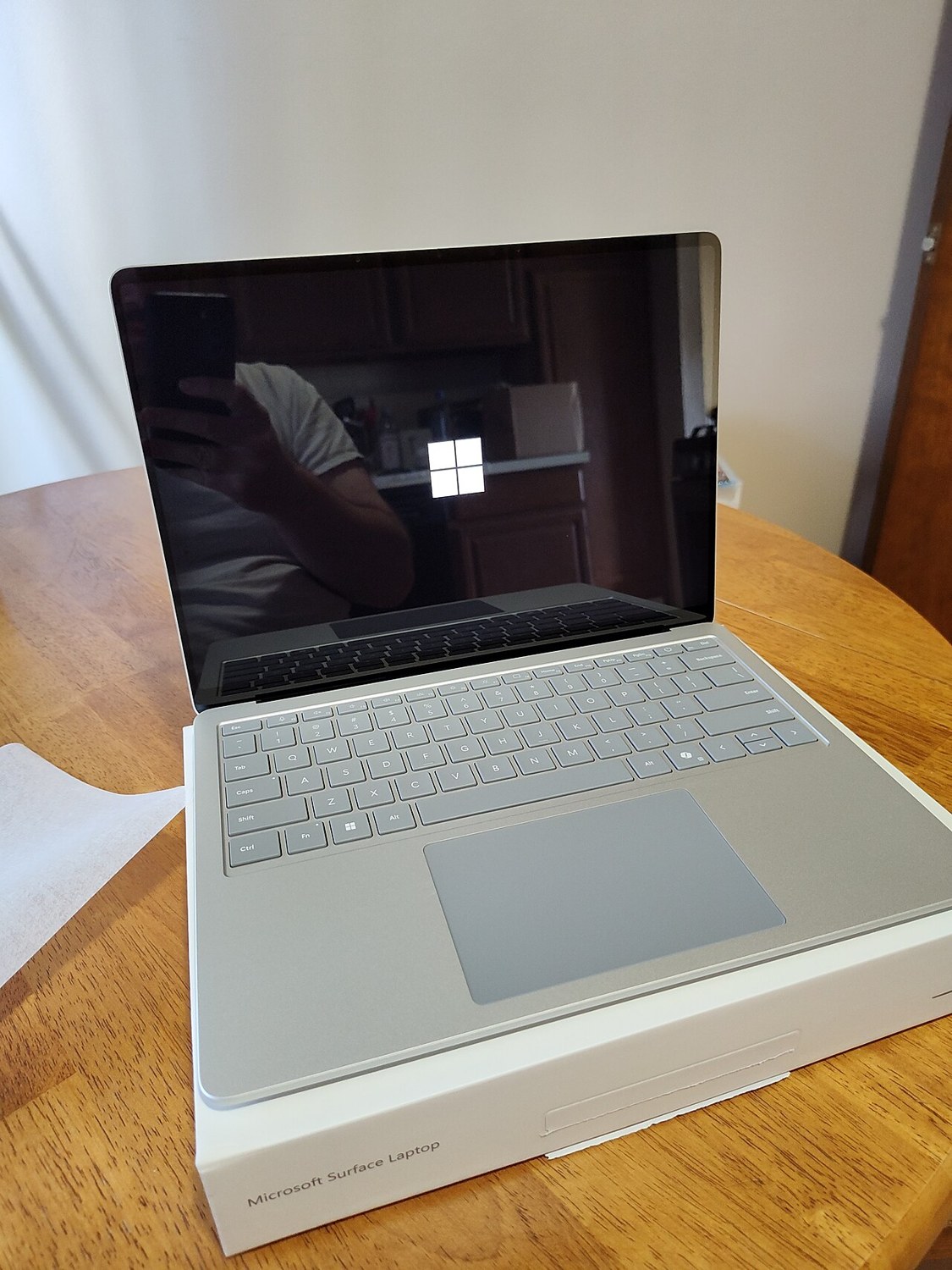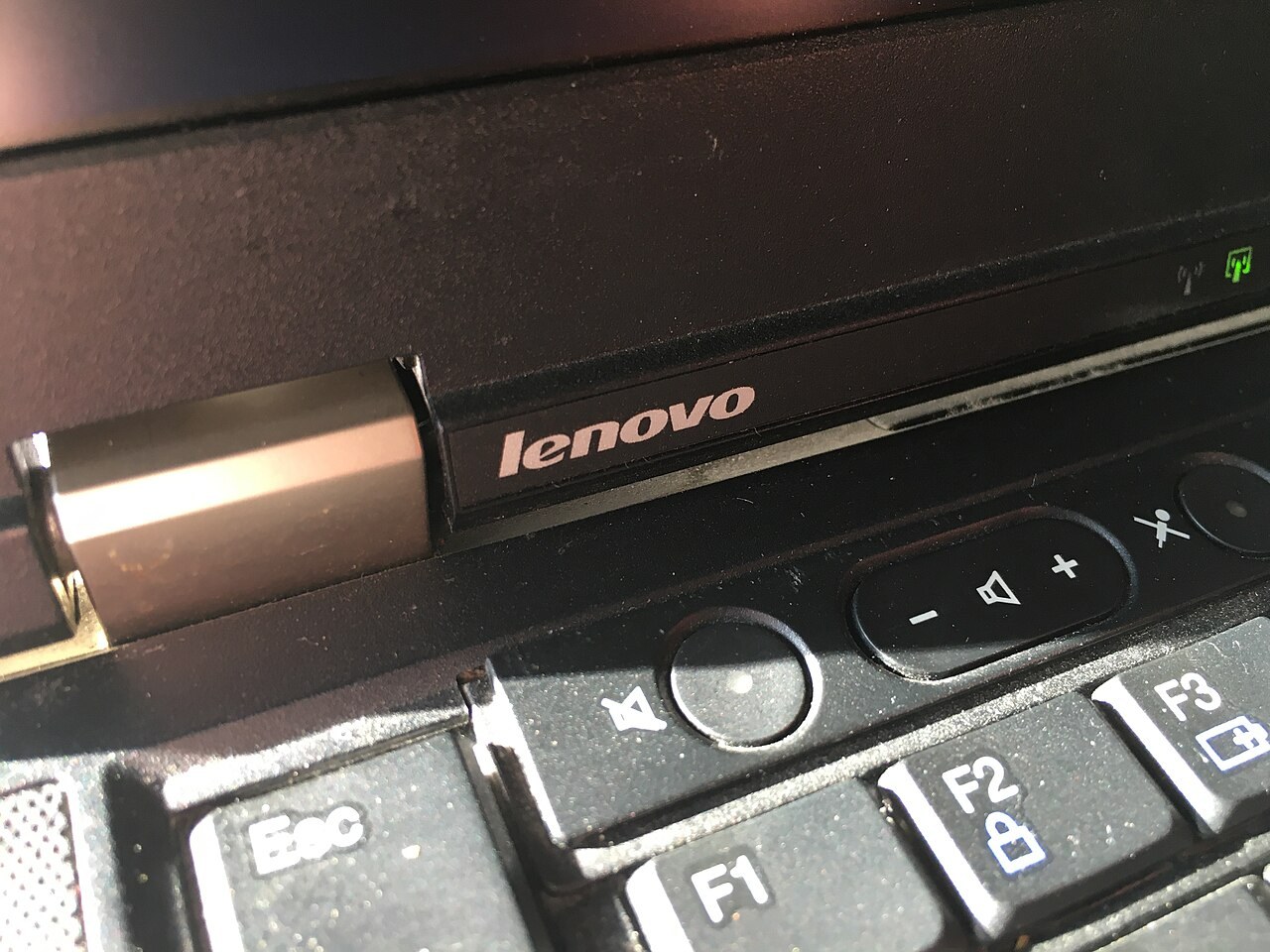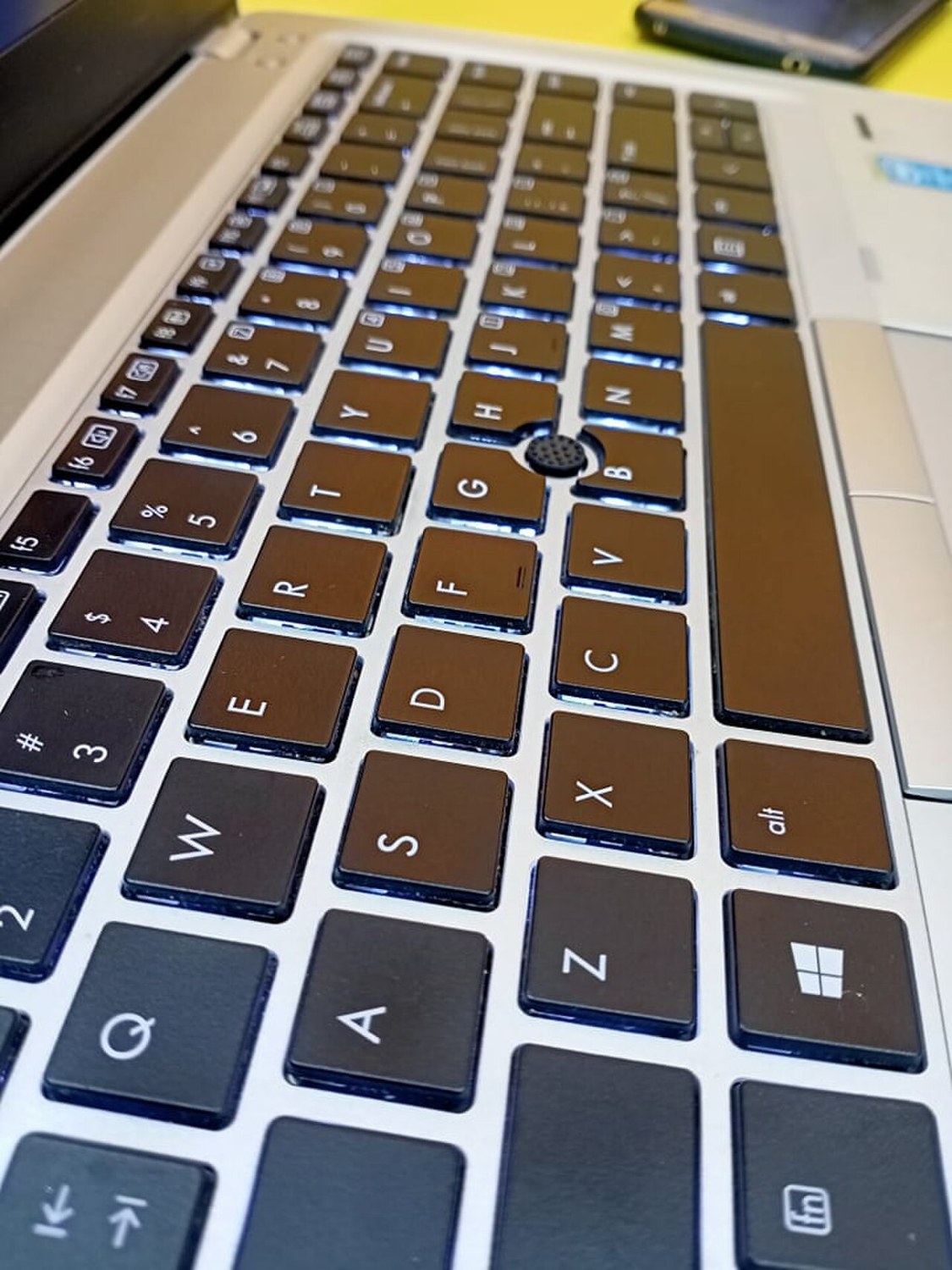
A short sentence uses only part of a laptop keyboard. Infrequent characters, function keys and combinations can easily escape notice. A systematic check also reveals whether the labelling suits your work and whether the keyboard registers ordinary inputs reliably without unusual pressure or repeated attempts.
Separate physical layout from settings
Compare the printed characters with the selected keyboard layout. An unexpected character can result from a language setting. Software can remap a foreign physical layout, but it does not change the labels on the keys. Consider whether that arrangement would be comfortable for your everyday work.
Look for replacement stickers and heavily worn legends. They may make typing less convenient without indicating an electrical fault. On a backlit keyboard, check separately that the feature is present and that its brightness can be adjusted as intended. Do not assume every variant of the laptop includes it.
Test inputs in a traceable way
Open a blank document and try letters, numbers, punctuation and the larger keys individually. Test both Shift keys, Backspace, Enter and the arrow keys. Then try common combinations from your own work, such as copying, pasting and moving around a document. These exercises cover different functions from typing one sentence.
Repeat any unusual input using normal pressure. Duplicated characters, missed presses and sticking keys deserve recording. The Fn setting can change what function keys do. Where available, use the official keyboard diagnostic for your model instead of installing arbitrary driver utilities from unfamiliar sources simply to perform the check.
Consider the mechanism and repair effort
Compare how adjacent keys return and feel, without levering off their caps. Loose, tilted or non-returning keys need an explanation. Dirt can interfere with movement, but cleaning cannot guarantee that an already damaged mechanism will become dependable again. A visible symptom is not a complete diagnosis of its cause.
For a known fault, ask about the appropriate repair. Depending on the laptop, replacement may involve more work than the single visible key suggests. An external keyboard may suit a fixed desk, but does not restore internal convenience while travelling. Judge the limitation against how you will actually use the machine.
Common questions
Does a working external keyboard prove a settings problem?
No. It provides a comparison but cannot fully assess the internal keyboard or its connection.
Should I simply pull off a sticking key?
Not during a buying inspection. Retaining mechanisms differ and can break. Follow model-specific guidance or have the cause professionally assessed.