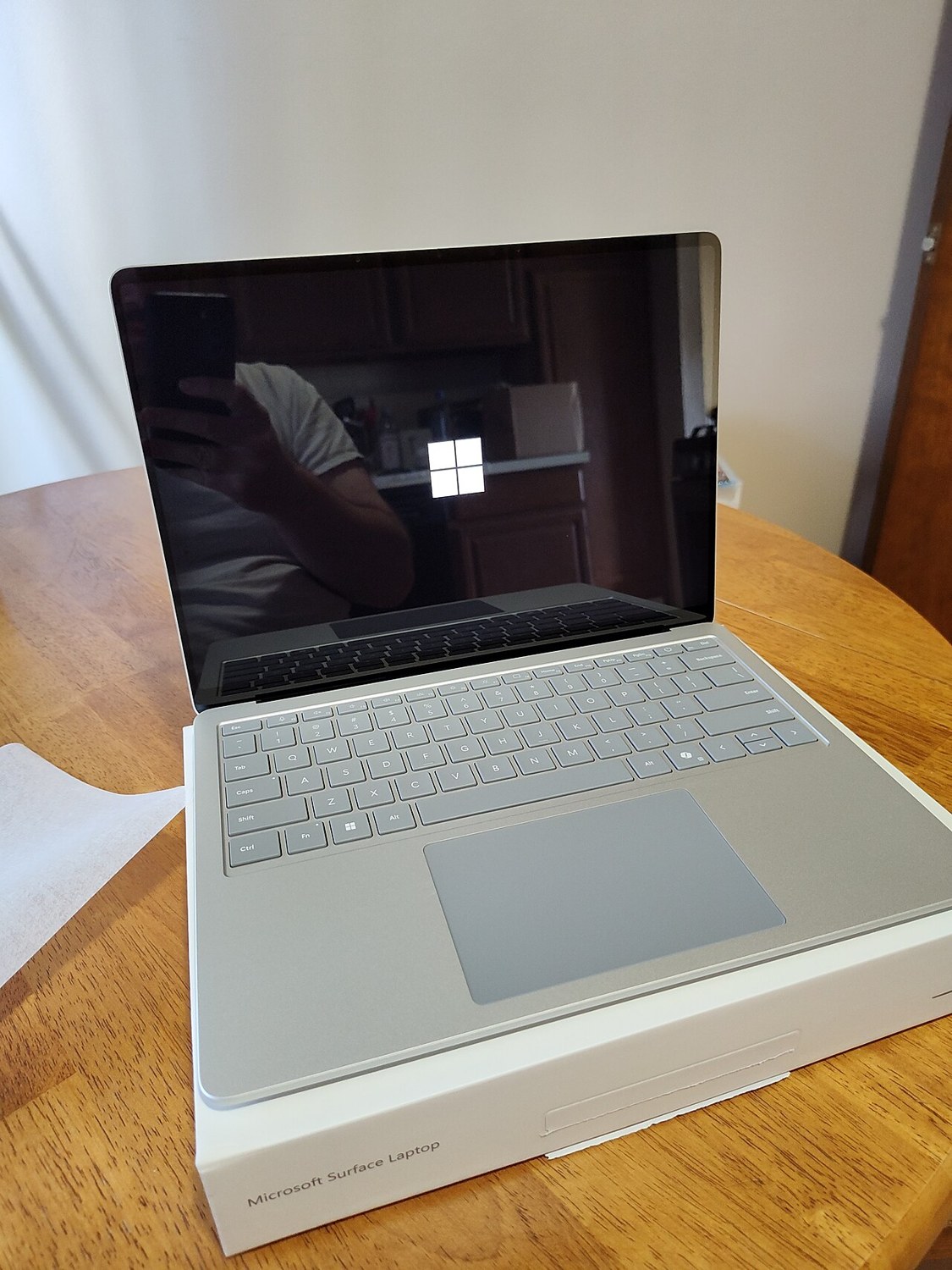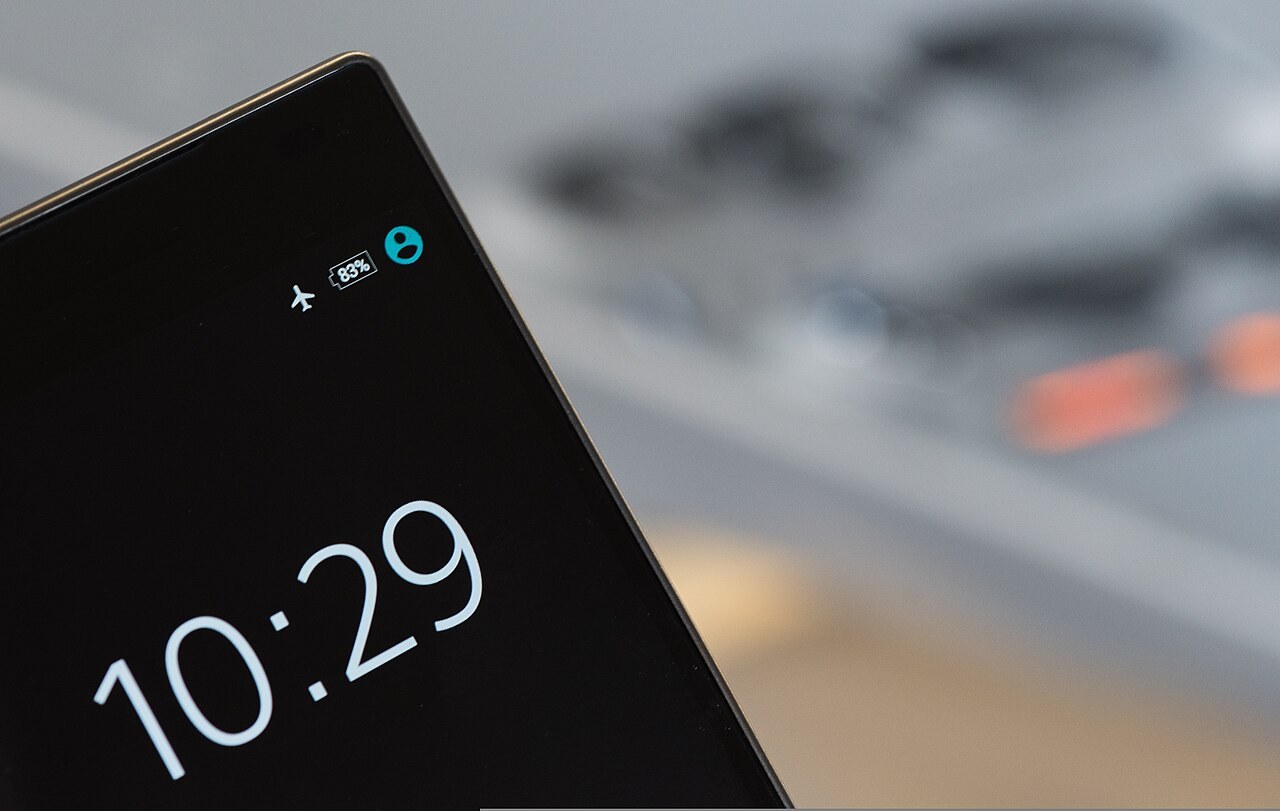
A used phone may unlock easily even though part of its display or touch sensing has a problem. Assess the picture, touch function and physical surface separately. A bright lock screen can hide fine damage, while a screen protector introduces another layer that needs to be considered during inspection.
Separate the surface from accessories
Examine the switched-off screen in ordinary light coming from an angle. Look for cracks, deep scratches and lifting edges. Establish whether visible marks belong to a protector or the display glass. Remove accessories from a product you have not bought only with permission from its owner.
A protector can affect touch response or conceal damage. It is part of the inspection conditions, not proof of the state underneath. Do not simply press a lifting display back into place. Clarify the cause before further charging or intensive use, particularly when other parts of the enclosure also look distorted.
Use the whole viewing area
Open a note-taking or drawing application and draw lines through different regions, including near the edges. Try the on-screen keyboard’s outer keys as well. Test scrolling and an ordinary multi-finger gesture. Use normal touch rather than pressing harder on an area that does not respond reliably.
If a problem appears, record the area and application. Settings, accessories and software can influence behaviour; one failed attempt does not establish a hardware diagnosis. Manufacturer guidance on touch response is a better next reference than an arbitrary testing app requesting extensive access rights merely to assess the screen.
Compare brightness and displayed content
Briefly show light, dark and coloured content. Check for fixed lines, discolouration and clearly different areas. Adjust brightness through normal levels and then read a web page. Colour filters and automatic adjustments can affect the impression and should be considered when making a comparison.
Write down visible issues as well as photographing them. A camera can record bands that you do not see directly, while photographs do not always capture tiny details faithfully. A brief check supports the buying decision but cannot fully establish hidden repair history or guarantee future reliability of the screen and its internal connections.
Common questions
Does a new protector mean the display is good?
No. It can protect the surface but says little about the glass and touch sensing underneath.
Must every colour difference be a defect?
No. Settings and viewing angle affect appearance. An issue that remains under understandable conditions still needs clarification.