A used tablet is more than its screen size. A suitable stylus, reliable charging and the ability to complete normal setup can determine everyday usefulness. Inspect the offered set as a combination instead of assuming that accessories are compatible simply because they arrive in the same box as the tablet.
Use the screen for your actual task
Open a document or web page and assess readability at ordinary brightness. View light and dark content as well. Look for fixed lines, unusual patches and cracks. Where a protector is fitted, establish whether damage belongs to the accessory or the surface beneath it before drawing conclusions.
Try touch input in different regions and near the edges. A drawing application can reveal interrupted lines. Use ordinary pressure. A lifted display or distorted enclosure needs an explanation and should not simply be squeezed back together to improve its appearance. Treat the visible change as a condition question to resolve.
Identify and test the stylus separately
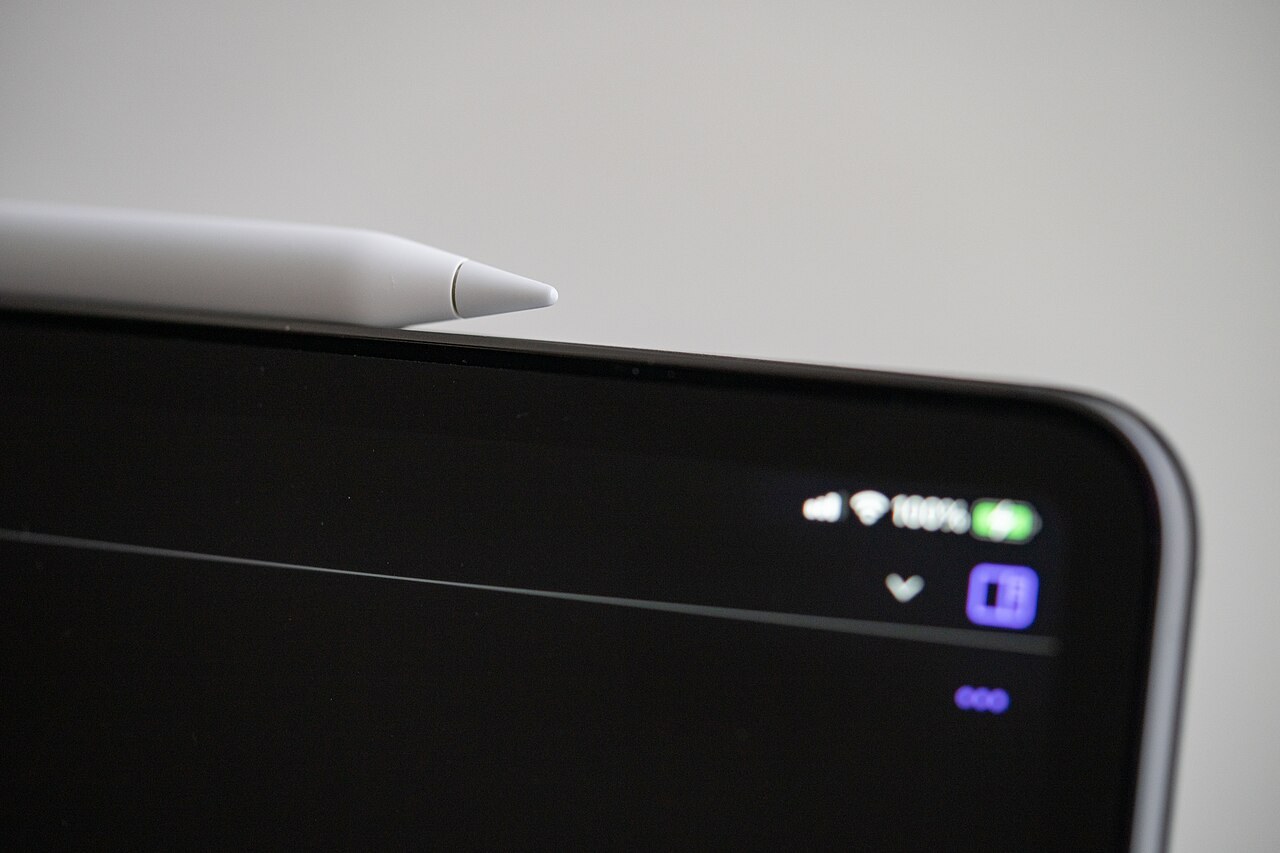
Not every stylus from one brand works with every tablet. Match the generation and model against the official compatibility list. Apple, for example, lists different pairings for its Apple Pencil variants. Magnetic attachment alone does not establish fully supported input or charging functions.
Try the functions you need: handwriting, drawing and any additional control gestures. Look for a worn tip and ask about suitable replacements. Not every stylus variant offers every capability. A missing feature can therefore be a specification difference rather than a fault, making exact identification important before judging the supplied accessory.
Combine charging, setup and the set price
Check the charging connector without force and with suitable accessories. An intermittent connection during ordinary use is a separate observation to record. The included power supply should suit the intended task, and additional accessories may require adapters whose cost belongs in the total effort of starting to use the set.
Resolve earlier account bindings and possible organisation management before transferring personal data. An erased tablet is not necessarily available for a new activation. Then compare the complete price with an equally equipped alternative. An inexpensive tablet without the stylus you need may ultimately be the less practical choice once additions are considered.
Common questions
Is an included stylus automatically compatible?
No. Confirm the exact variant and test the functions required. Shared branding or similar appearance is insufficient.
Is a working touchscreen enough for handwriting?
Not necessarily. Pen input and special stylus features require a compatible stylus and support from the exact tablet and application.