A used robot vacuum is a mechanical appliance and often part of an app system too. A brief driving demonstration leaves important questions unanswered. Identify the exact robot and its accompanying dock. Establish which functions work without an account and which setup is necessary for the way you intend to use it at home.
Inspect the underside and dock separately
With the robot switched off, inspect brushes, wheels, bin and visible sensor windows. Look for missing covers, torn brushes and jammed rollers. Do not work around a suspected sensor fault by covering sensors or disabling protection. Use a bounded level area without an exposed drop for a demonstration.
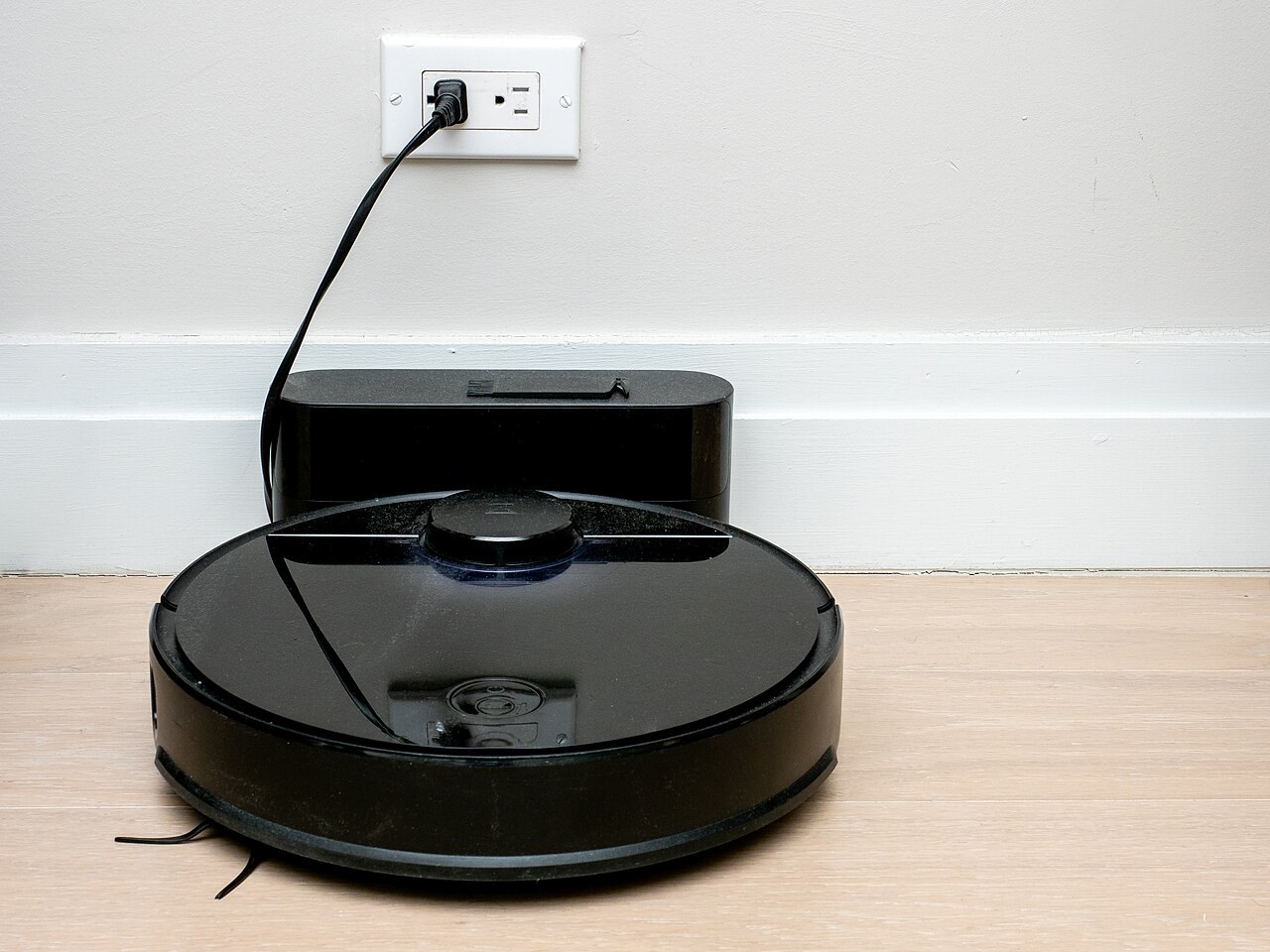
Include the dock as a separate component. Charging contacts, docking area and any bags, water tanks or mopping parts should be complete. A robot that accepts charge does not necessarily perform every cleaning or emptying function of its station. Ask to see the particular combination operating.
Complete the account transfer in practice
Ask the previous owner to remove the device from their app association and reset it using manufacturer instructions. iRobot distinguishes model-specific procedures; an app factory reset can also remove the previous cloud association. A button sequence borrowed from a different model is not a reliable handover process.
Set up the intended app yourself if connected features are a reason for buying. Check Wi-Fi requirements and supported phone versions against current manufacturer information. Do not give the seller your account credentials. A screenshot of an old floor map does not establish that setup will work for you.
Calculate wear and support together
Find the filter, main brush, side brush and any bags using the model identifier. A clean brush photograph does not answer whether suitable replacements remain available. Ask about the battery and observe return to the dock and charging, without describing one brief cleaning run as a complete battery test.
Dirty sensor windows can interfere with operation but are not the only possible cause. Clean them only as directed; iRobot warns against spraying products directly into sensor openings, for example. If navigation or charging remains abnormal, establish the cause before basing a purchase on an assumed easy cleaning fix.
Common questions
Is a factory reset enough for every account transfer?
That depends on the manufacturer and model. Follow the intended handover procedure and then verify setup using your own account.
Should I test drop sensors at a staircase?
A risky trial beside an open drop is not a suitable purchase check. Use a safe bounded area and obtain qualified advice about uncertain protective functions.